MAHANAKHON RACING Tools & Keyboard Cheatsheet
Keep this page open while you spawn, start, ride, and redeem codes.
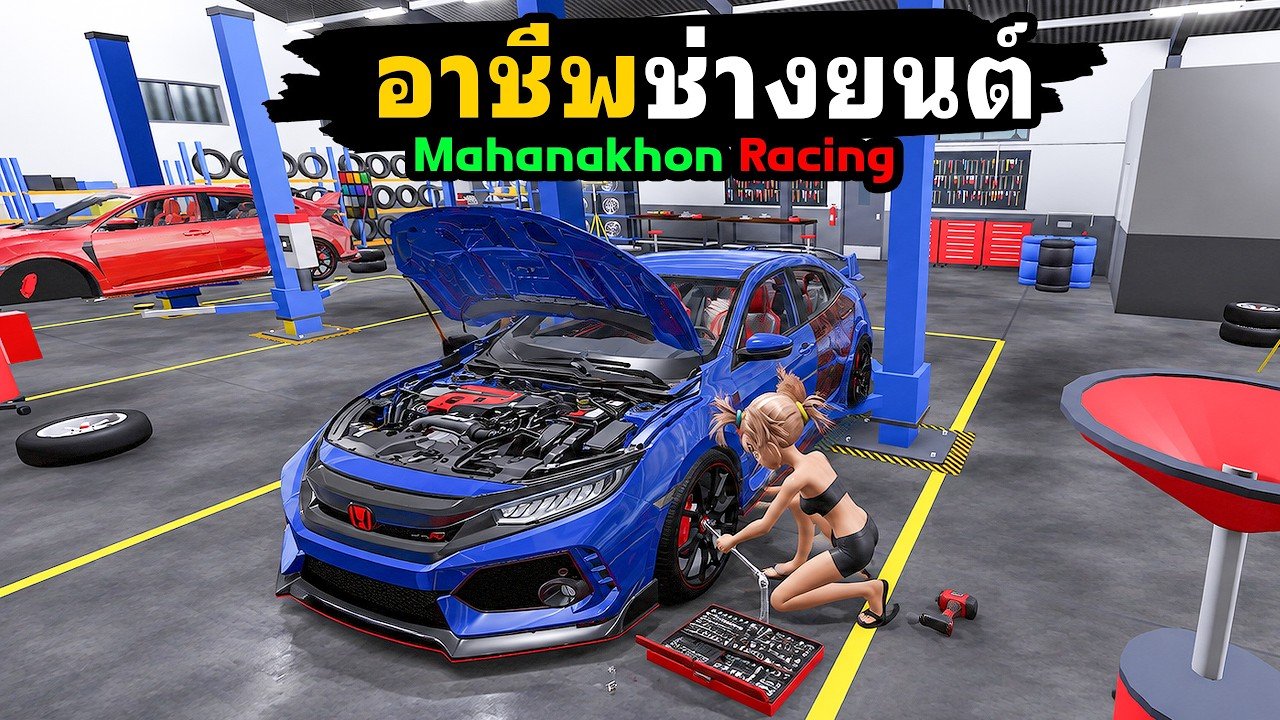
This Tools Hub is the practical desk reference for MAHANAKHON RACING: a full keyboard cheatsheet pulled from the public Roblox how-to-play list, plus redeem helper tips so Cash codes fail less often. Pair it with live strings on Codes and the narrative walkthrough on Getting Started and the full Controls guide. For patch timing after November bugfixes, see Updates.
MAHANAKHON RACING is a free Roblox Simulation scooter/motorcycle life game (launch October 19, 2026, 25 players per server, ~13M visits, group MAHANAKHON RACING / LUCKYBOY_944). Voice chat is not supported—text and Discord handle coordination (Players).
Startup sequence (memorize this first)
If throttle does nothing, you almost always skipped a step:
| Step | Key | Action |
|---|---|---|
| 1 | G | Spawn your motorcycle / scooter |
| 2 | E | Mount after walking up to the bike |
| 3 | R | Start the engine |
| 4 | K | Raise the kickstand |
| 5 | W | Accelerate and leave |
Thai and English community posts repeat the same warning: check the kickstand (K) before blaming W. Practice the chain in a quiet lobby—hop servers using tips on Players if spawn pads are packed.
Driving cheatsheet
| Input | What it does |
|---|---|
| W | Accelerate |
| S | Brake; hold while fully stopped to reverse |
| Shift | Brake |
| A / D | Steer left / right |
| Ctrl (hold) | Wheelie |
| Q | Tuck / crouch on the bike |
| Space | Dismount |
Smooth riding tips:
- Tap S or Shift early before corners; panic brake mid-lean dumps speed awkwardly in traffic.
- Use reverse only when fully stopped—holding S while still rolling just brakes.
- Wheelies (Ctrl) are for style and short climbs; practice away from job markers so you do not block delivery riders.
- Q tuck helps on straights; release before tight alley turns if you need visibility.
Lights, horn, and presence
| Input | What it does |
|---|---|
| Z | Left indicator |
| C | Right indicator |
| X | Hazard lights |
| H | Horn |
| L | Decorative / custom lights |
Indicators matter more in dense 25-player streets than in empty practice runs. Hazards help when you AFK briefly near a curb—still avoid parking on spawn pads (Players etiquette).
Camera, phone, warp, customize, store bike
| Input | What it does |
|---|---|
| V | Cycle camera / view mode |
| M | Mirrors |
| Y | Free camera |
| F | Phone (jobs / apps such as courier UI in creator guides) |
| N | Warp |
| P | Customize (at marked customization points) |
| J (hold) | Store / put away the bike |
Workflow examples:
- Lost in the city: open warp (N) or phone (F) rather than driving aimlessly when a job timer is running.
- Tuning session: ride to a marked customize point, press P, spend Cash from jobs or Codes. Optional passes (VIP, X2 Money, cash packs often ~199–299 Robux) speed progression but are never required to use this cheatsheet.
- Cleanup: hold J to store the bike before long AFK so you are not leaving a roadblock.
Mobile players should open Roblox on-screen controls and map each action to the same verbs (spawn, mount, start, kickstand, throttle). Labels may differ by device; the PC keys above match the official experience description.
Redeem helper: Store → Codes checklist
Keep this Tools page and Codes side by side when a November fix drop lands.
- Launch MAHANAKHON RACING and finish the startup sequence so you are fully in-world.
- Open Store on the left-side UI (common guide path). If you cannot find it, scan other HUD buttons—UI can shift slightly after patches (Updates).
- Open the Codes tab.
- Click the ENTER CODE field.
- Type the code exactly (case-sensitive). Paste carefully; hidden spaces break redemptions.
- Press Redeem and read the on-screen result.
- Check Cash and inventory before trying the next string.
Why a code fails
- Already redeemed on this account
- Expired or disabled after a patch window
- Limited quota exhausted (“run out” style messages on some drops)
- Typo or wrong casing
- Not actually a code (tuning “recipes” are not redeem strings)
- Tried outside the Codes UI
After bugfix thank-you codes (BUGFIX-style names and limited love/thanks strings seen in November), redeem immediately. Quotas can vanish in hours. Discord (discord.gg/mahanakhonracing) often hears drops first; still verify in-game and against Codes.
Cash planning mini-tool
Use codes for a bump, then jobs for sustain:
- Redeem live codes first (Codes).
- Open phone (F) for delivery-style work shown in creator guides.
- Visit job stations for uniforms or job access when required.
- Spend on bikes/parts at customize points (P).
- Recheck Updates whenever pay or markers feel wrong after a restart.
Quick troubleshooting matrix
| Symptom | Try this |
|---|---|
| W does nothing | Engine on (R)? Kickstand up (K)? Mounted (E)? |
| Cannot spawn | Press G, wait for the bike, move if the pad is blocked |
| Code rejected | Recheck casing, quota, and Codes status |
| Cannot customize | Are you at a marked point before P? |
| Friends not together | Use Roblox friends Join; voice is unsupported—see Players |
| Job UI missing | Press F, rejoin server, skim Updates |
How this hub links the rest of the wiki
- Live rewards: Codes
- Story-style onboarding: Getting Started
- Patch & systems tracker: Updates
- Lobby & friends: Players
- Site map: About This Wiki
- More reading: Guides Hub · Tier List · Scripts
Print nothing—bookmark this Tools Hub. When a November patch reshuffles HUD icons, re-test the tables above, redeem on Codes, and you are back on the street in minutes.
Frequently Asked Questions
Quick answers for MAHANAKHON RACING riders.
What is the correct startup order?
G to spawn, E to mount, R to start the engine, K to raise the kickstand, then W to accelerate. If W fails, check the kickstand first.
How do I redeem codes quickly?
Open Store → Codes, type the string exactly into ENTER CODE, then Redeem. Use the Codes page for live lists and this Tools hub for the checklist.
Which key opens the phone for jobs?
F opens the phone. Creator guides use it for courier-style apps; warp remains on N if you need a faster relocate.
Where do I customize the bike?
Ride to a marked customization point and press P. Spend Cash from jobs or codes; optional VIP and money passes are not required.
Does this replace the Guides section?
No. Tools is the quick cheatsheet. Getting Started and other Guides pages teach longer workflows; Updates covers patch context.